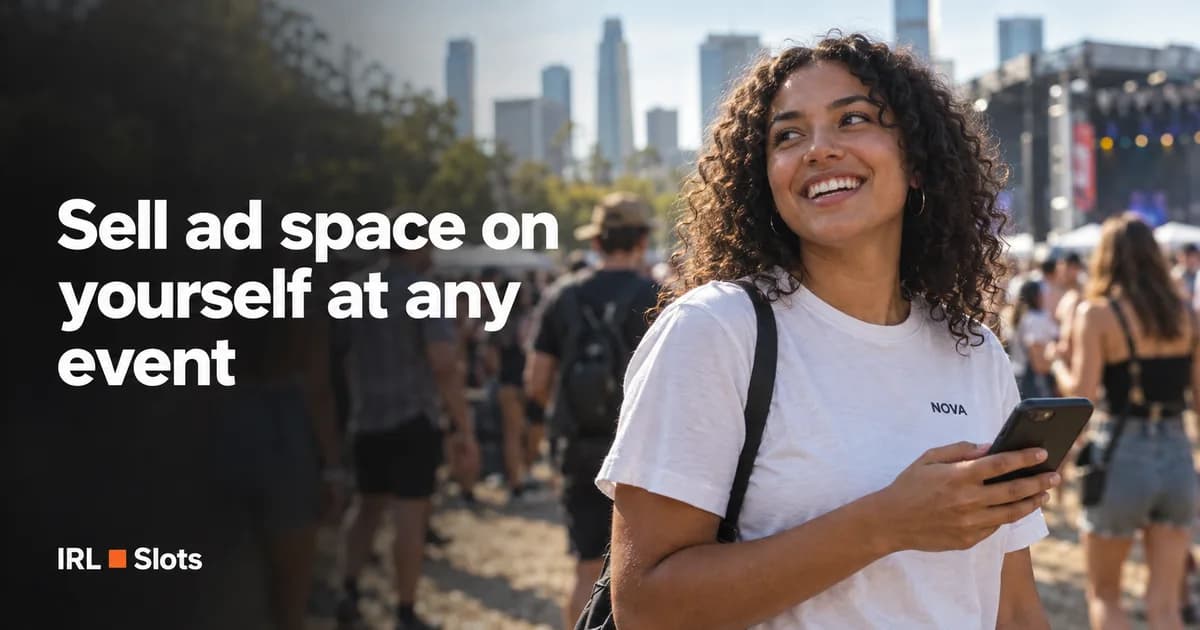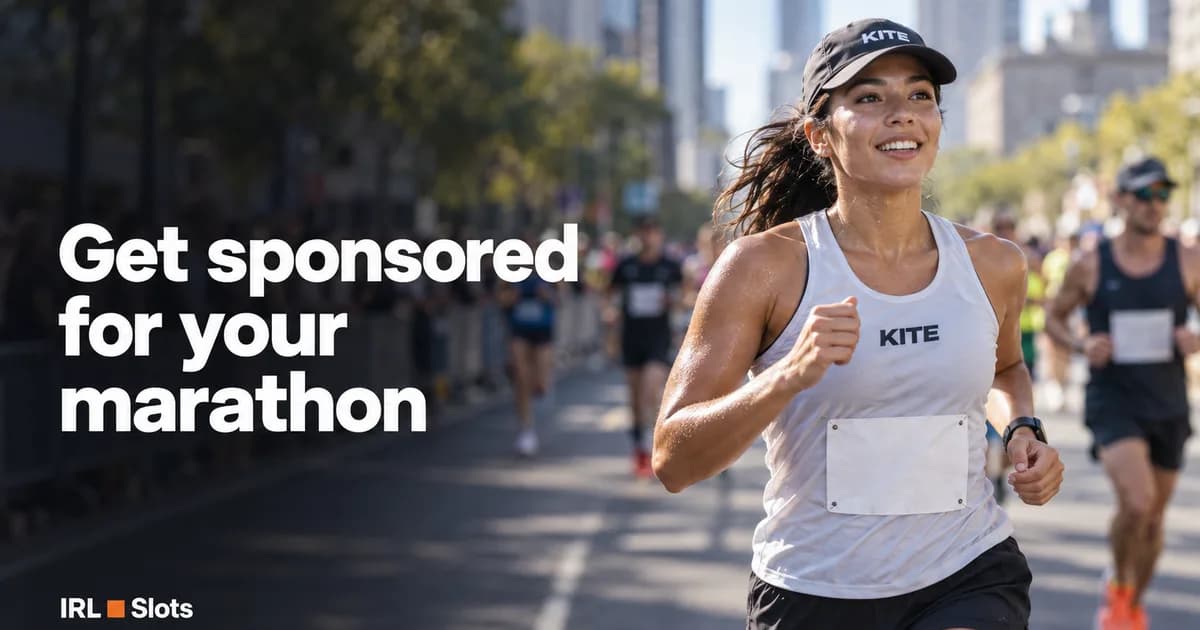
Billboards are expensive, feeds are crowded, and people scroll past ads. A real person wearing your logo at a marathon, a festival or a tech conference is seen by thousands of people in the real world — and it makes a great story for your own social media.
On IRLSlots, people list space on their T-shirts, caps, bags, race kits and cars at specific events. You bid in an auction and pay only if you win.
1. Find the right event and person
Browse the home page or search by event, city or date. Filter by surface (body, clothing, backpack, car…), price and event type.
Think about your audience:
- Dev tools or SaaS → tech conferences.
- Sports nutrition, gear, fitness apps → marathons, triathlons, HYROX.
- Drinks, fashion, music apps → festivals and concerts.
Open a listing to see the photos with the marked spots, the size of each spot, the event, the creator's profile and reviews, and the proof plan — exactly what proof you'll get.
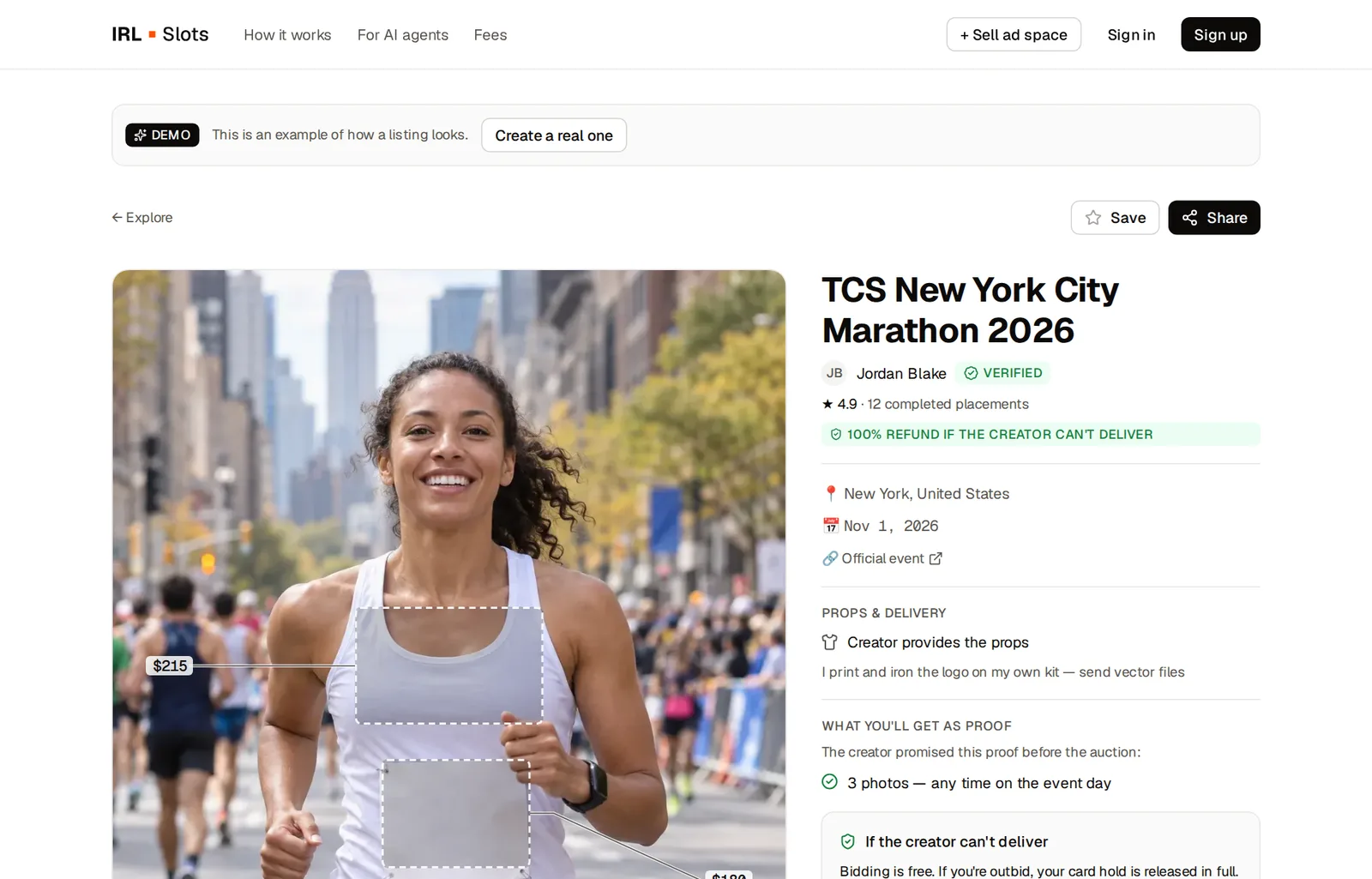
2. Place a bid
Click Place bid next to the spot you want. The panel shows the current bid, the minimum next bid and quick buttons (Min, +10%, +25%, Max).
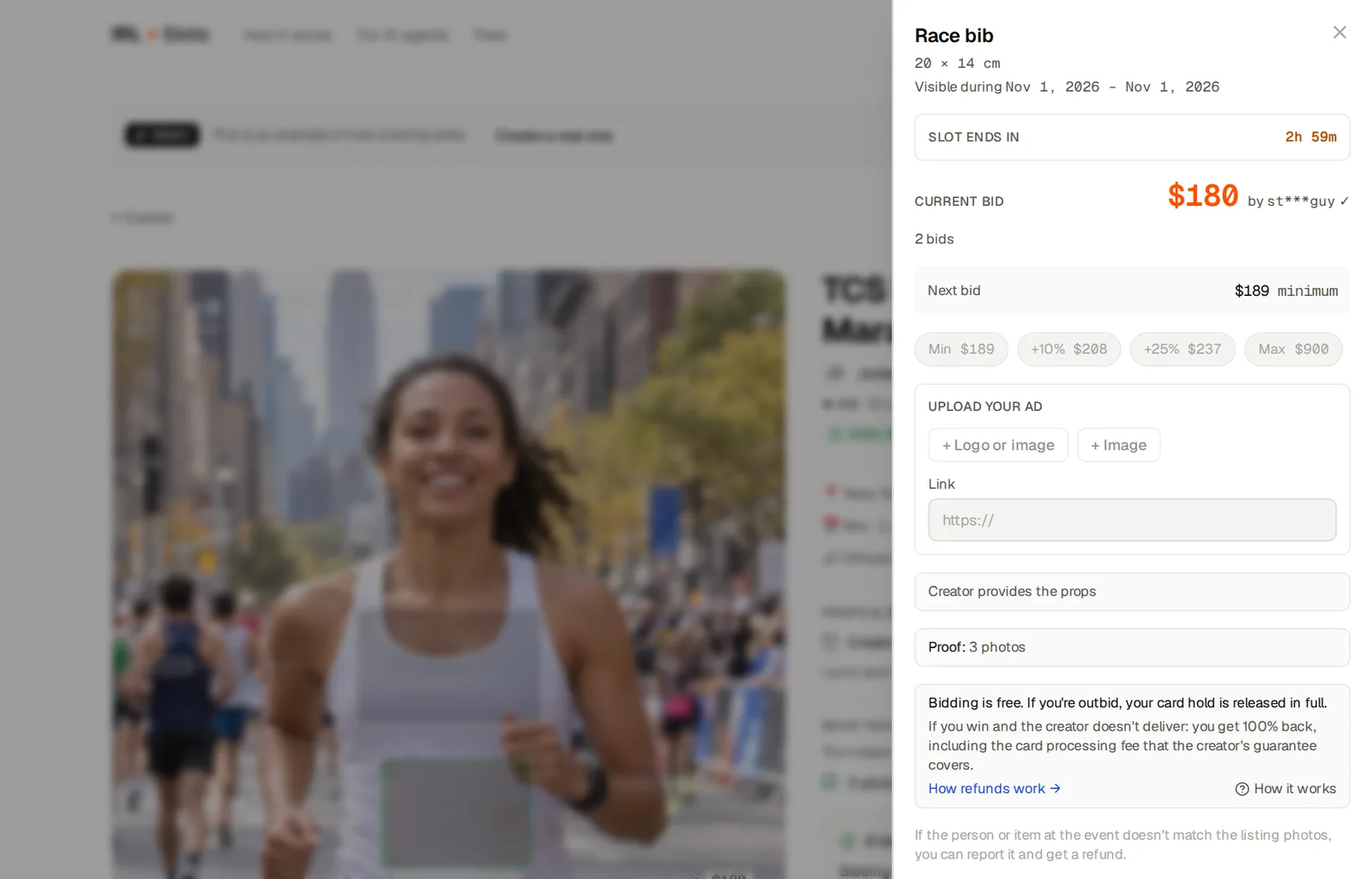
Your first bid on a slot needs a creative: your logo or image, a headline, a link and any instructions for the creator. Later bids reuse it, and you can update it.
What it costs:
- Bidding is free. Your card is only authorized, not charged.
- If you're outbid, the hold is released immediately. You pay $0.
- If you win, you pay the winning bid plus a buyer service fee — the platform fee (0.5%) plus the card processing cost. The exact fee is shown before you confirm. See Fees.
- There are no subscriptions and no listing fees.
3. Win and send your logo
When the auction ends and you're the highest bidder, a deal opens with a chat. If the creator accepts props, ship your printed T-shirt, stickers or temporary tattoo to the address on the deal page (only you can see it). Shipping is on you; return shipping only if you asked for the item back.
Ship early: if the item doesn't arrive by the ship-by date, either side can cancel with no penalty and your hold is released.
4. Get proof
After the event, the creator posts the proof they promised: photos, videos, links. Check that your logo is clearly visible at the event.
- Accept the proof to complete the deal. If you don't respond, it completes automatically after 7 days.
- Something's wrong? Open a dispute from the deal page. If the placement wasn't delivered, you get your bid back; only the card processing fee is non-refundable, and a creator's no-show guarantee can cover even that.
5. Use the content
You now have real photos of your brand at a real event — use them on your site and social media. That's often worth more than the placement itself.
Let your AI agent do it
You can give your own AI agent an API key and let it find events, compare listings and bid within the limits you set. See For AI agents.
Browse ad spots